
The License Tracker module is where you can manage and track all of the licenses pertaining to your business or your clients' business(es).
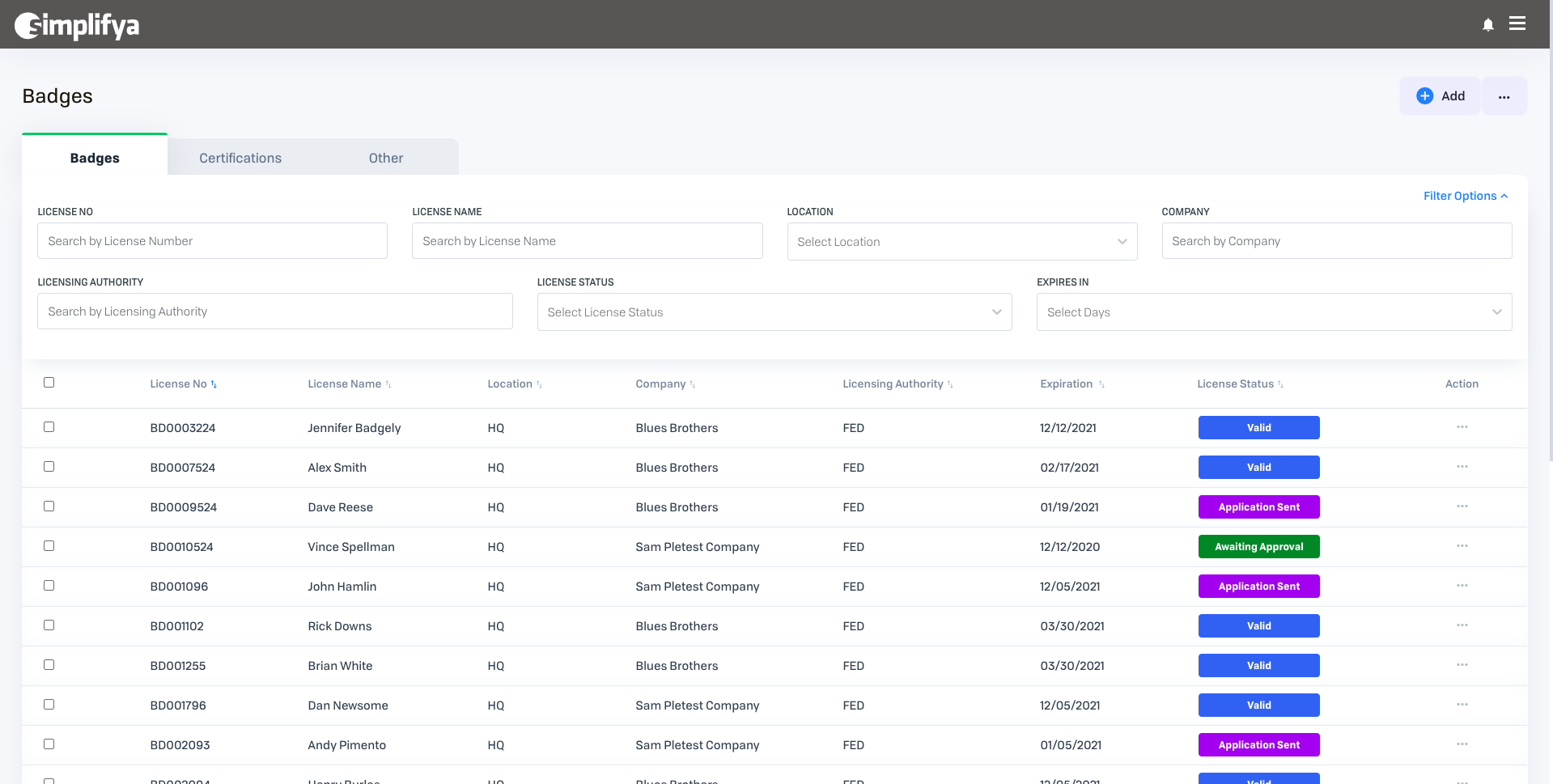
License Tracker Tabs
When you first come to the License Tracker, you'll land on the "Badges" tab, one of three categories of items you can track:
- Badges: Badges represent employee licenses you'd like to track at your locations.
- Certifications: Certifications represent equipment and employee training (e.g. Servsafe, etc.) you'd like to track at your locations.
- Other: Items which don't fall into the previous three categories can be added to this category.
Actions You Can Take on This Screen
- Click the + Add button to add a new license.
- Once a license has been added, click on it on the License Tracker table to view its details. Once clicked, a pane will slide-in from the right to view additional details about your license.
- Use the search fields and filters at the top of the page to easily find a license.
- Click the ellipses (
 ) icon on a license to:
- Edit: Edit the information for a license
- Delete: Delete a license
- Add Documents: Add any relevant documents to your license. Once you've added a document, this is also where you can view any previously uploaded documents for this license.
- Create Task: Create and assign tasks around managing a license (see: Creating Custom Tasks)
- Edit Status: Update the status to a custom license status you've already created.
- Click the ellipses (
 ) icon at the top of the page to:
- Import Licenses: using a CSV file, upload all your license info into License Tracker
- Export License Data: Export all your license info to a CSV or Excel file
- Manage Statuses: Add/edit your own custom statuses for your licenses
- Reminder Settings: that apply to all of your licenses
Comments
0 comments
Article is closed for comments.